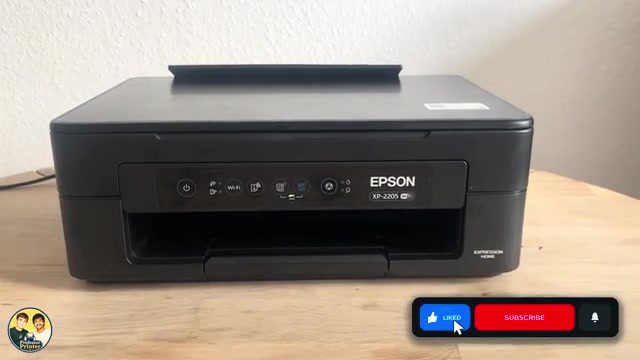
Before you start
- Read the connected computer’s error message and identify the affected colour before removing a cartridge.
Step 1:Separate low ink from recognition failure
A flashing ink lamp usually means a cartridge is nearly empty; a steady lamp can mean an empty, missing, unsupported or unrecognized cartridge. Use the status message to identify which condition and colour applies. A flashing low-ink warning alone is not proof that a cartridge is unrecognized.
Step 2:Check the cartridge against the printer and region
Epson’s European XP-2200-series table lists 604 and 604XL cartridges. Its Australia/New Zealand table lists different codes for XP-2205, so the model number alone is not enough to make a worldwide cartridge recommendation. Confirm the exact product on your local Epson support page and the cartridge packaging.
The source makes a blanket claim that all third-party cartridges are impossible to use. That is not established by this demonstration. Epson’s setup notice says firmware updates may affect non-genuine cartridges; it does not prove every recognition error has that cause.
Step 3:Check the installation without forcing the holder
Follow the linked replacement guide to move the holder: a steady ink lamp uses a short Stop press; a flashing or unlit lamp uses the documented 10-second hold and, where needed, further presses to reach the replacement position. Do not pull the holder by hand.
Check that the yellow tape was removed, the bottom transparent seal is intact, and the cartridge is in the matching colour slot. Seat it firmly. Keep fingers away from the chip and ink outlet. Do not add solvents, scrape contacts or dismantle the cartridge.
Step 4:Complete charging and check the same message again
Close the scanner unit and press Stop to start charging after a replacement or reseating. Leave the printer on until charging finishes. If the same cartridge is still unrecognized, compare its exact code and message with Epson support or the cartridge supplier before buying another set. A network reset does not correct cartridge identity.
Questions & troubleshooting
Should I reset Wi-Fi to clear the ink lamp?
No. Network settings do not determine cartridge compatibility or seating.
Can the setup cartridges supplied with a different printer be used as replacements?
Epson says the cartridges supplied with a printer are not replacement cartridges. Use the supported replacement supply for this unit and region.