Before you start
- Read the whole LCD message and exact number. A similar-looking code is not the same fault.
- Keep your pending fax documents in mind before any action that disconnects power; unplugging deletes faxes in memory.
Step 1:Identify the exact code before changing settings
The orange alarm indicates a condition needing attention; the LCD message and support code identify it. Write down the complete number and follow its specific Canon page. Do not replace a cartridge or reset all settings merely because the lamp is orange.
The source reads some numbers incorrectly, including cartridge and paper-mismatch examples. The written meanings below use Canon’s current TR4700 support-code pages. The linked code index is also reached from the exact-model manual that includes TR4755i and TR4720.
Step 2:Resolve the simple paper and tray messages
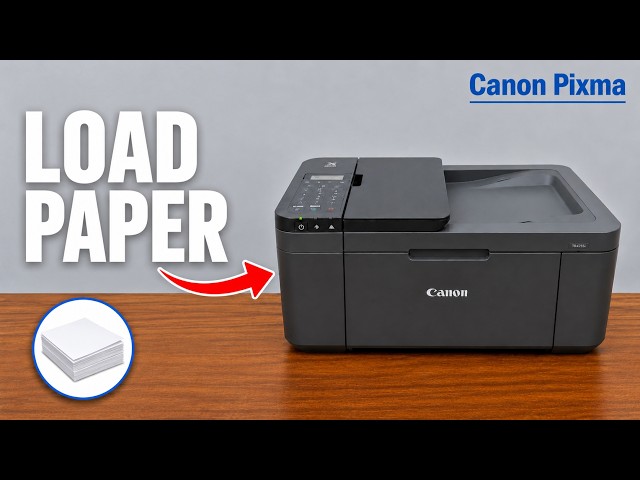
- 1003: paper is absent or not loaded correctly. Load suitable paper centrally in the front tray, print-side down and portrait orientation, far enough for the loading signal. Adjust the guides, register the actual size/type, open the output tray/support/extension, then follow the LCD confirmation.
- 1250: the output tray is closed. Open it so the printer can eject the page, and follow any remaining message.
- 2110: the registered paper information and print-job settings differ. Press OK to view the actual choices. Cancel and correct the print settings, or replace/register the paper to match the intended job. Do not disable the mismatch warning as a substitute for selecting the right paper.
After correction, confirm that the intended job resumes or resend it if you canceled it. A cleared message alone does not confirm the output is correct.
Step 3:Use the matching location or component instructions
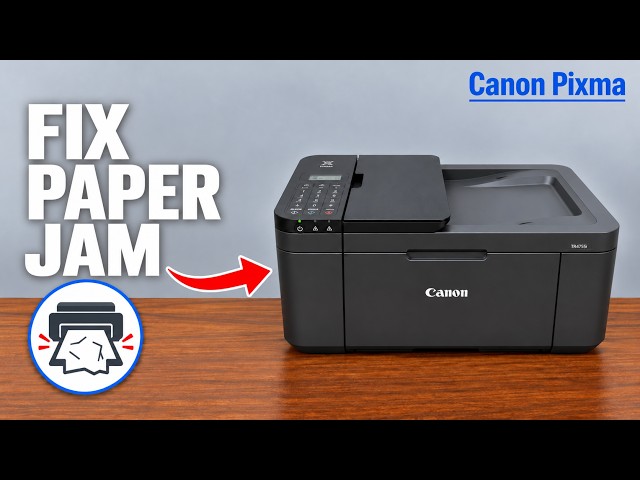
- 1300 and other paper-jam codes: locate the jam and use the related paper-jam guide; the front tray, internal paper path and rear access are different procedures.
- 1401: Canon identifies a missing FINE cartridge. Install the correct cartridge using the related replacement guide; persistent recognition faults need the actual displayed code’s instructions.
- 1890: check for protective material/tape obstructing the cartridge holder as shown by Canon. Remove the specified shipping material, not arbitrary internal strips or cables.
- 2803: an original may be too long or jammed in the ADF. Use Canon’s 2803 procedure. For a real feeder jam, pressing OK is not guaranteed to extract it, and opening the glass document cover can tear the original.
- 5100: follow Canon’s holder/obstruction checks and cartridge-locking checks. If the error persists after the documented recovery, request service. Do not treat it as an automatic instruction to buy new ink.
- 5200: Canon specifies turning off, unplugging, waiting a while and reconnecting, followed by service if it recurs. Before unplugging, finish or handle stored faxes because their memory contents will be deleted.
Avoid an unrelated all-data reset
The recording ends with an All data reset as a broad suggestion. That does not physically remove jammed paper, install a missing cartridge or repair a hardware fault. Use the actual support-code remedy first; do not erase settings as a general response to an orange light.
Questions & troubleshooting
Is counting the orange flashes enough?
Read the LCD support code on this model. It provides a more specific direction than the alarm lamp alone.
The video says a different cartridge or paper code. Which should I use?
Use the full code actually displayed and Canon’s current code page. This article corrects the spoken examples rather than assuming similar numbers mean the same thing.
Does 2803 always mean a jam?
No. Canon also lists an original that is too long. Match the actual condition, and use the feeder-specific removal procedure if it is jammed.
Should I perform the source’s All data reset?
Not as a general error fix. It does not remove physical obstructions or repair hardware and may erase configuration you still need.
References
- Professor Printer: source demonstration
- Canon: error message and support code
- Canon: complete applicable support-code index
- Canon: 1003 paper loading
- Canon: 1250 output tray
- Canon: 2110 paper-information mismatch
- Canon: 1401 missing cartridge
- Canon: 1890 protective material
- Canon: 2803 long or jammed ADF original
- Canon: 5100 movement and locking checks
- Canon: 5200 recovery and fax-memory consequence
- Canon: complete plain-paper loading
- Canon: applicable manual explicitly lists TR4720 and TR4755i