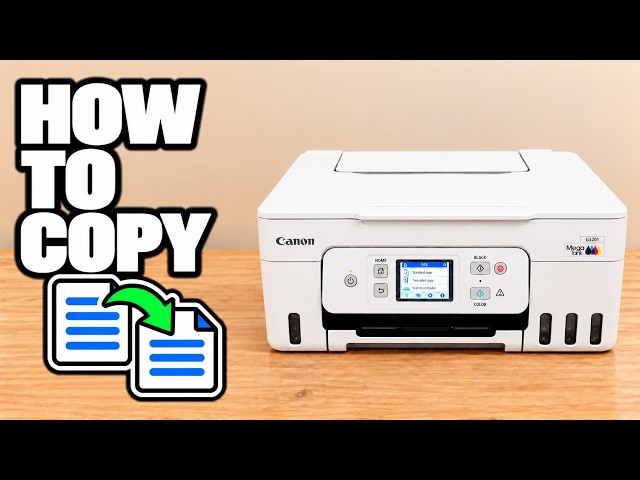
HomeVideosHow to Make Double Sided Copies With Canon Pixma MegaTank PrinterProfessor Printer · Video tutorialHow to Make Double Sided Copies With Canon Pixma MegaTank PrinterPrinting & copyingTheProfessorPrinter on YouTube 2 min 38 secWatch on YouTube How to Make Double Sided Copies With Canon Pixma MegaTank Printer.Find more help for your printerCanon PIXMA G3590Browse all videos Related printer videos3:04Professor PrinterHow To Copy Documents On Canon Pixma Megatank G3290 / G3590 PrinterWritten guide 2:21Professor PrinterHow to Copy on Canon Pixma MegaTank (All Models)Written guide 2:56Professor PrinterHow To Enable Duplex (Double Sided) Printing On Canon Pixma MegaTank G3290 / G3590 PrinterWritten guide
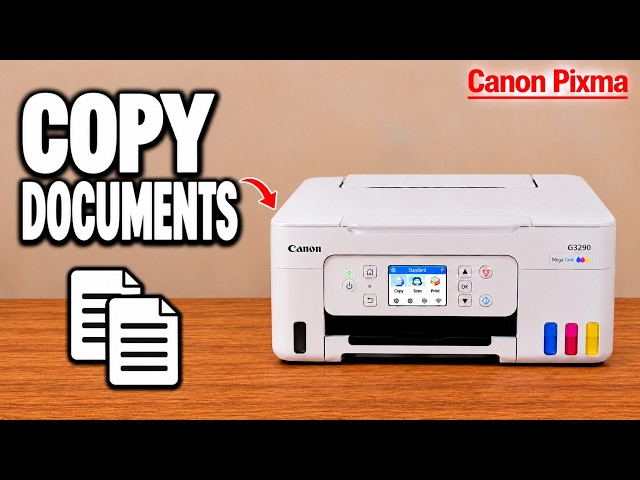
3:04Professor PrinterHow To Copy Documents On Canon Pixma Megatank G3290 / G3590 PrinterWritten guide
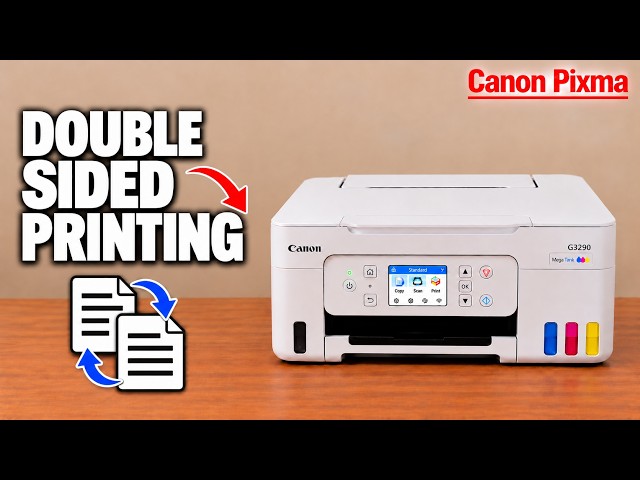
2:56Professor PrinterHow To Enable Duplex (Double Sided) Printing On Canon Pixma MegaTank G3290 / G3590 PrinterWritten guide