Before you start
- Your intended 2.4 GHz network name/password and access to the printer’s controls.
Reset only when the saved network needs replacing
Use this network reset when you need to remove an old wireless configuration before setup. Have the intended 2.4 GHz router name and password ready. If the printer already works from that network, keep the connection and investigate the specific app or job problem instead.
Step 1:Use the documented control combination
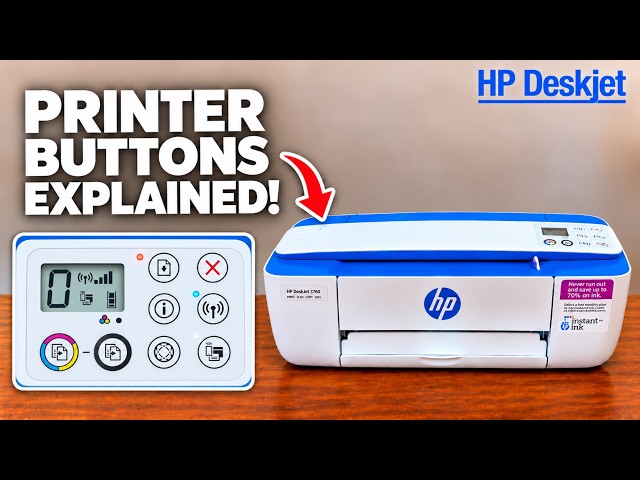
Turn on the printer and let it become idle. Press Wireless and Cancel together and hold them for three seconds, as the applicable 3700 manual specifies, then release. Use the ordinary Wireless button, not the separate Wi-Fi Direct button.
The recordings hold the controls for longer. Their timings are not the model-specific instruction used here. Paper and a printed page are not required to perform this documented network reset.
Step 2:Configure the intended network again
Follow the related reconnect guide or HP’s exact-model wireless setup instructions. Select the intended 2.4 GHz network and enter its current password. If using the printer’s Direct network for setup, return the phone/computer to your home network afterwards.
Confirm a steady blue Wireless light and that the device can reach the printer from the home network. Print a small document and inspect it. The reset alone does not establish completed reconnection.
Use the remaining symptom
If the network is absent, check its 2.4 GHz availability and signal before repeating the reset. If a paper or cartridge error remains, use its code and the relevant task guide. A page produced by a button combination is not evidence that all factory settings or queued computer jobs have been cleared.