Before you start
- Read the actual code/indicator pattern and any software message. Keep access to the printer’s exact-model manual.
Record the whole error state first
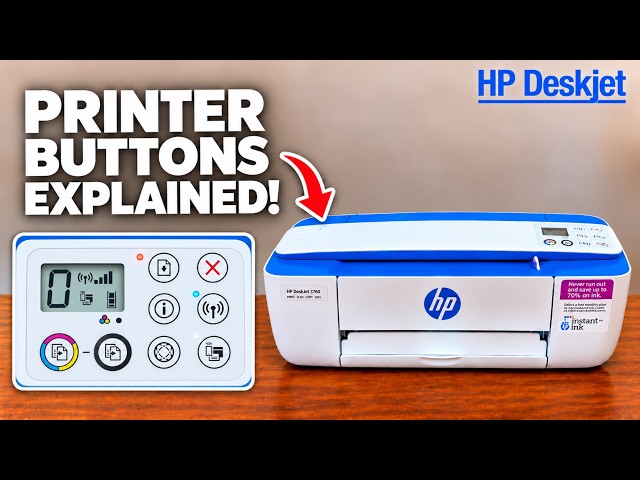
Check that the printer is on, the cartridge door is closed and suitable paper is loaded. Read the alternating E code, if present, together with the Paper Error, Ink Level, Ink Alert, Resume and Wireless indicators. Do not identify a fault from orange colour alone.
If a job is actively stuck or unwanted, press Cancel to stop the current operation. Also cancel its unwanted queued copies on the sending device. A single printer button does not remove every computer’s queue, and a Power+Cancel printout is not proof of a full reset.
Match paper symptoms to the next action
- Paper Error and Resume with an empty input tray: load supported paper; when a received job is waiting with the indicators blinking, press Resume after loading.
- E1: the job width exceeds the loaded paper width. Cancel the affected job, then match the job size and actual paper before retrying.
- E2: the multipage job length differs from the loaded paper. Cancel and correct the mismatch; continuing with Resume can repeat the same errors.
- E3: the carriage has stalled. Use the dedicated carriage-error guide and the applicable manual; it is not simply an empty-ink indication.
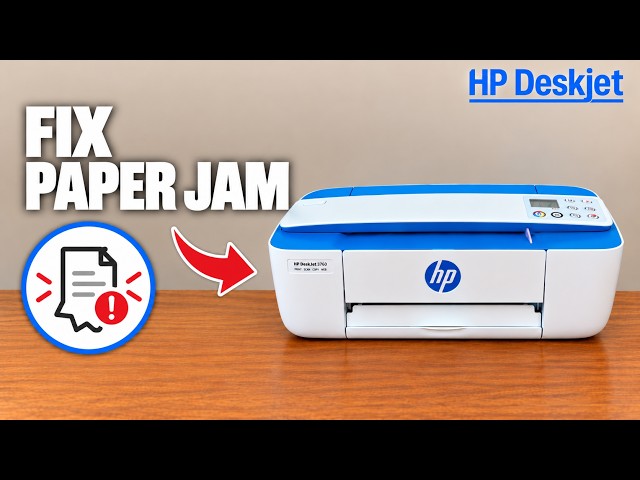
- E4: a paper jam. Identify the jam location and follow HP’s location-specific removal instructions; do not yank paper through the front because a generic video gestures there.
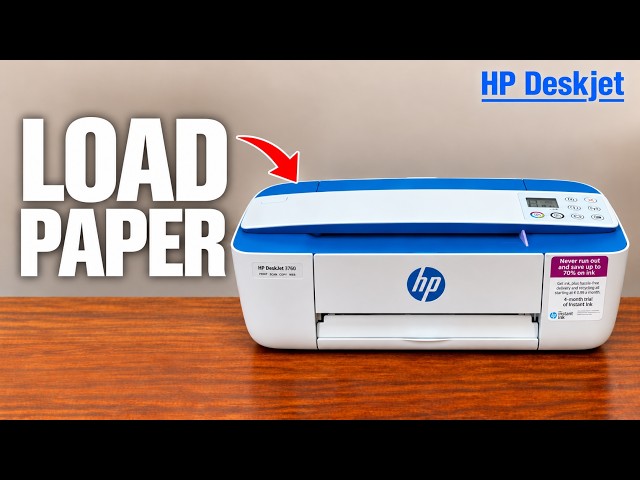
For ordinary rear-tray loading, put flat paper print-side up and short edge down, fit the guide without bending the stack and extend the output tray. A correct stack and matching settings should be established before another print.
Check ink warnings without assuming every cartridge is empty
One flashing empty Ink Level icon with the Ink Alert light can mean its cartridge is missing, seated incorrectly or still has protective tape. Both flashing icons can also indicate incompatible/damaged cartridges. Inspect the full software message and the actual affected cartridge.
Use the related replacement guide to wait for the carriage, check tape and reseat correctly. Confirm the exact regional cartridge number from your printer and HP supply information. The supporting video’s HP 304 example belongs to its source unit and is not a universal 3755 requirement.
Ink levels are estimates. With refilled, remanufactured or previously used cartridges, the estimate may be inaccurate or unavailable. Low ink is a reason to prepare a replacement; replace when the relevant fault or unacceptable output warrants it. A third-party brand name alone does not identify which fault occurred.
If no printer error remains, check the actual job path
For USB, confirm the cable and matching Windows printer entry, then check whether the queue is paused, offline or holding an unwanted job. Select the correct printer in the application; a stale wireless entry is different from the USB connection.
For home Wi-Fi, confirm the device is on the same reachable network and the printer has a steady Wireless light. A DIRECT connection is separate. If the home connection genuinely needs reconfiguration, use the related reconnect guide; keep a working connection instead of routinely resetting it.
Press Information with suitable paper loaded to obtain the printer’s information page. If the printer can produce that local page but the computer job does not arrive, investigate the device/queue/connection. A successful local page does not rule out every other fault, but it separates the local print path from computer submission.
Confirm one intended page
After correcting the specific cause, send one small document to the matching printer. Confirm it exits normally with the expected content and that the original error has cleared. If the fault remains, retain its exact code and the attempted steps for HP support.
The source recordings discuss possible causes; they do not demonstrate successful repairs for every fault. Claims that older guides cannot work, one reset fixes all settings, or the printer’s age makes diagnosis unnecessary are not adopted.