Before you start
- The printer connected to your home network and reachable in Brother Mobile Connect.
- The current printer administrator password, or your own printer’s Pwd label if the default password has never been changed.
Choose the settings interface
The LCD provides basic menus using up/down, OK and Back. For the web settings shown in this recording, use Brother Mobile Connect to open the printer’s own local management page. Your Brother account, home Wi-Fi password and printer administrator password are separate credentials.
Step 1:Open the reachable printer entry
With your phone on the printer’s home network, open Brother Mobile Connect. Select the HL-L2445DW entry. Check its status before continuing; a printer marked offline will not become reachable merely by opening another settings screen.
Step 2:Choose All Machine Settings
Tap All Machine Settings. The app opens the printer’s Web Based Management page in the browser. As an alternative documented by Brother, enter https:// followed by your own printer’s current IP address in a browser on the same network. Do not copy the demonstrator’s address.
Confirm you are opening your own printer. If a certificate warning appears, use Brother’s linked certificate guidance for Web Based Management rather than treating any browser warning as safe to bypass.
Step 3:Sign in with the current administrator password
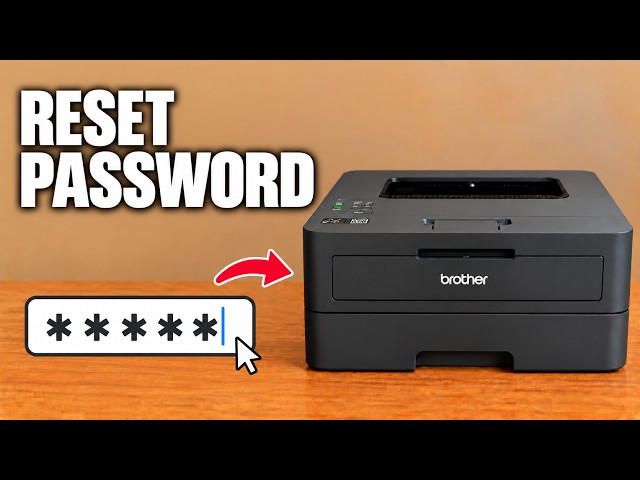
Use the printer’s current administrator password. If it has never been changed, read the value beside Pwd on your own printer’s rear label. Enter it in the login field. Do not use the Wi-Fi password or a password copied from the video.
Follow a request to set a new administrator password, using the requirements shown by your own printer. Record it securely. Exact requirements can vary; the source does not establish a universal password length.
Step 4:Check the intended setting and finish
Successful login gives access to the management options permitted by that password. Change only the setting you intend to adjust and apply that page’s confirmation. Use the page’s logout control when available, then close the browser tab on a shared device.
If the default label password is refused, check whether an administrator previously changed it. A failed login alone is not a reason to erase the network or all printer settings.
Questions & troubleshooting
Can I access the page without the app?
Yes. Brother documents opening the printer’s own IP address in a browser on its network. Use this printer’s current address, not an example from a video.
The label password does not work.
It is the default administrator password. A changed password takes precedence. Check with the person who manages this printer before considering a reset.
Will opening All Machine Settings change anything?
Opening and reading the page is different from submitting a setting. Read the particular setting and its confirmation before applying a change.